Why Do I Need OpenClaw? Is This Just Hype?
At first OpenClaw feels like a better chat interface. It's not. Here's the moment it clicked for me — and why it's the most useful tool I've added to my workflow in years.
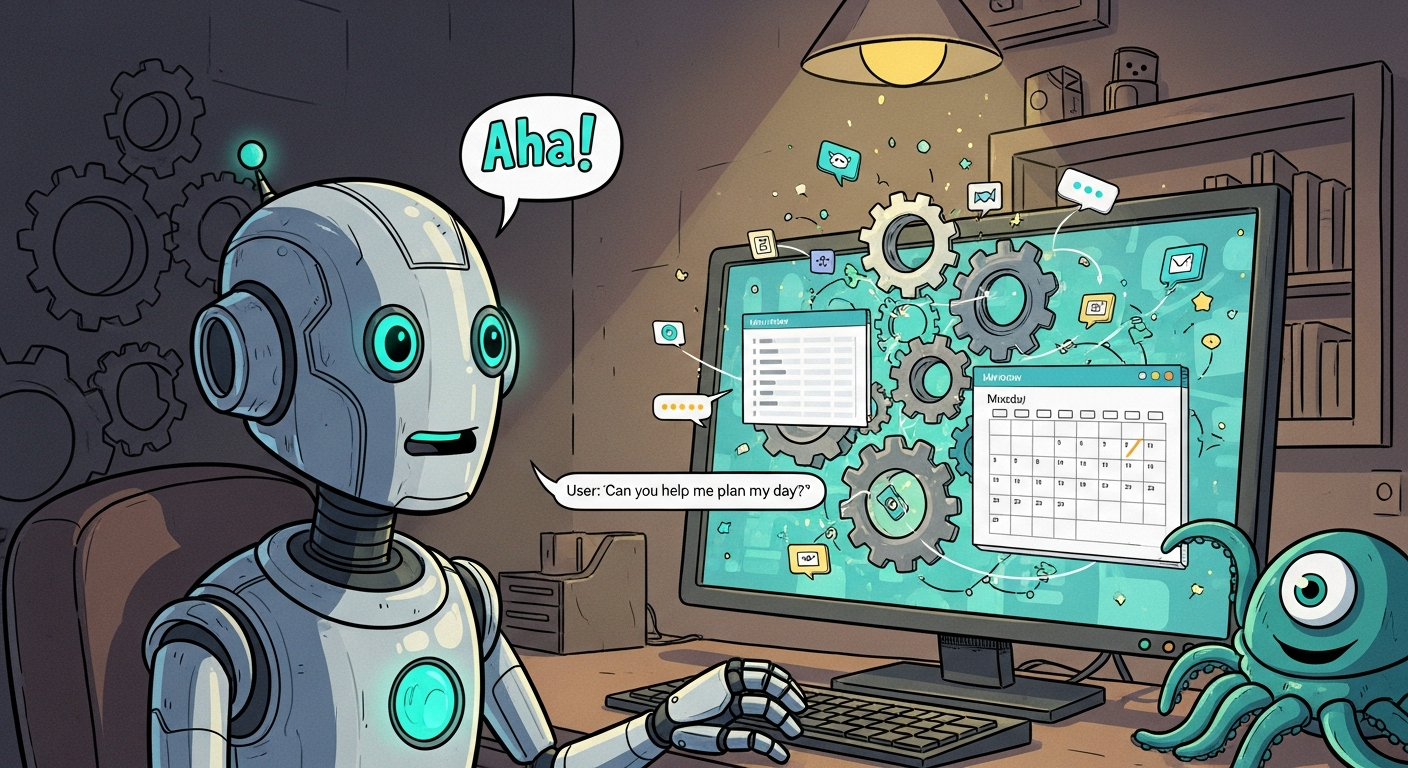
At first, OpenClaw feels like a chat. And after all — chat is the main interface. So why is it different?
The first time I used it, that wasn't terribly clear to me.
A Small Test
I started with something apparently small: compose a LinkedIn post for me.
It asked a few questions. I connected it with my LinkedIn account. We talked about topics worth writing about. It looked at my previous posts to learn my tone. I liked the draft. It posted it.
OK. Nice. But — what's the big deal? I could have done this with ChatGPT just as easily. Roughly the same amount of work. So where exactly is the hype coming from?
Then it asked one more question.
"Should we do this three times a week?"
I said yes. I moved on. Two days later:
"I have a post ready for you. Do you want to review?"
That's when it started to click. Like — wait. What just happened?
The Real Difference
ChatGPT tells you what you could do to solve a problem. OpenClaw is literally solving the problem for you.
Here's a concrete example. The LinkedIn post had no visual. I wanted one. So what do you do? You talk to OpenClaw. You tell it you want a visual. You tell it you want to use Nano Banana 2 for image generation. That's it.
It starts to code.
Yes — that's the point. OpenClaw doesn't just suggest an approach. It writes the code, deploys it, and runs it. In this case it figured out that it has a Google Image generation skill. It asked for the API key. It put together a script that reads the post, generates a prompt, feeds it into the image generator, gets a visual, and queues it up alongside the post — ready to publish.
When it hits problems along the way, it fixes them. You don't have to code. You don't have to explain how to use image generation. It can figure that out on its own.
Once You Reach That Point
Once you're there, ideas of what can be done without you just start jumping into your brain. I promise.
I built a complete content pipeline. It does research. It composes a draft for a blog post. It merges it into our repo. It derives a LinkedIn post from it. And for SEO, it reuses the content on Dev.to and Hashnode.
Seriously — this saves me hours every week. Our content game is at a level we never reached before.
So Is It Just Hype?
No. It's real.
The chat interface is a bit of a trap. It makes OpenClaw look like yet another AI assistant. But the key is what's happening underneath: it's not answering your questions. It's doing your work.
The shift is subtle at first. You ask it to write a post. Then it starts asking you if you want it to do that regularly. Then it comes back two days later with something already done. That's the moment where "useful AI tool" becomes "someone who actually works for me."
Most people who've tried AI assistants have experienced the loop: you describe the problem, get a suggestion, go off and implement it yourself, come back and describe the next problem. OpenClaw breaks that loop. It stays in the problem until the problem is solved.
And once you've experienced that — once you've watched an agent figure out what skill it needs, build the script, run it, fix the error, and come back with the finished result — it's genuinely hard to go back to anything else.
It's not just hype. It is real.