Real Automation for Developers Who'd Rather Be Coding
Why we let an AI agent handle our expenses (and why you should too).
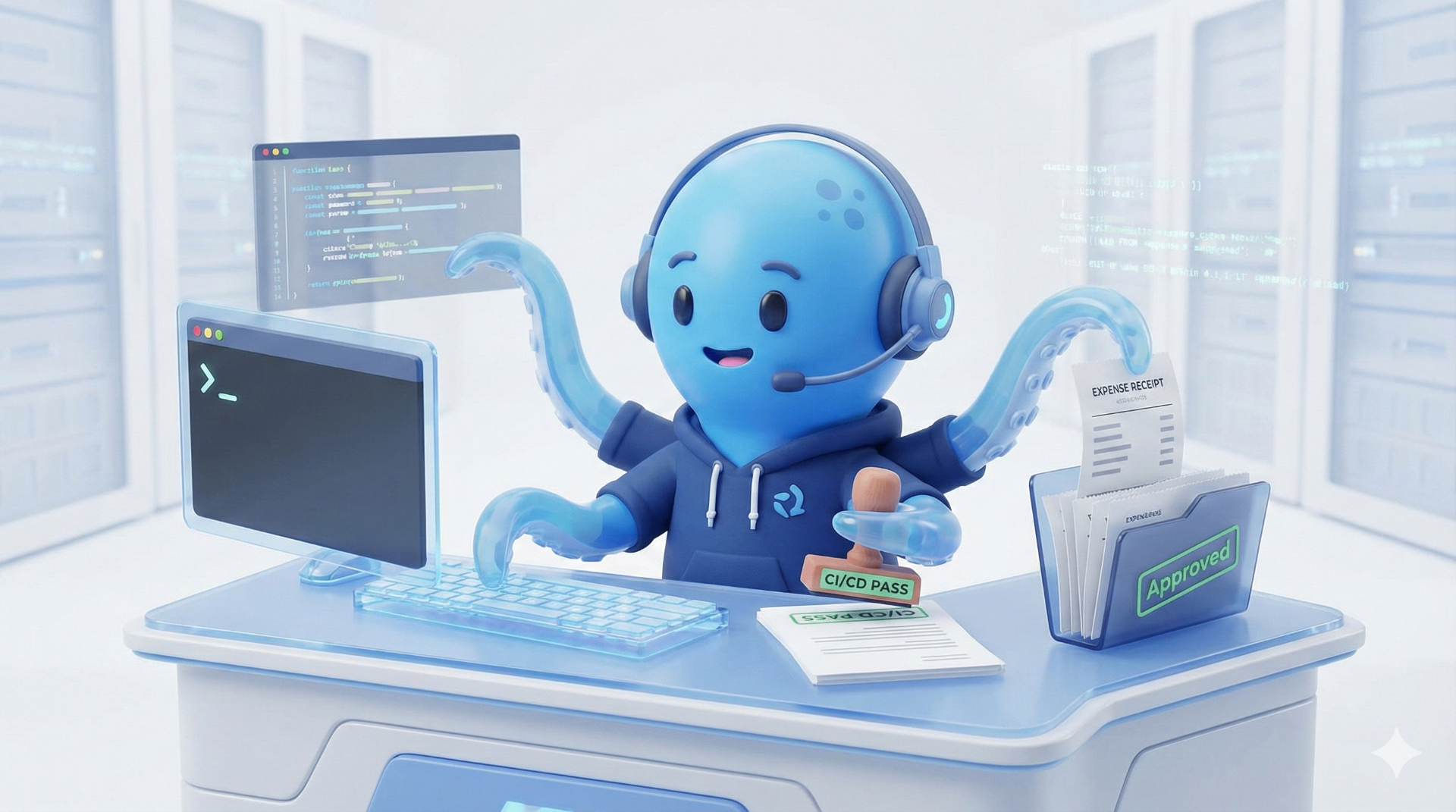
Your CI/CD pipeline just failed. You didn't notice for 47 minutes because you were deep in a refactor. By the time you look up, two colleagues have pushed on top of the broken build, and now main is a crime scene.
This is not a problem you should be solving with your attention.
OpenClaw is showing up in developer workflows as the answer to this noise. It is a self-hosted automation engine that connects to your tools—terminal, browser, APIs—and handles the tasks that don't require your judgment but strictly demand your time.
Here is how teams are actually using it, and what we learned running it ourselves at Octomind.
Common Patterns in the Wild
Before diving into our own setup, we see two broad categories of usage showing up across teams:
1. DevOps & Code Management
Teams are pointing agents at their CI/CD pipelines to catch failures, pull error logs, and post formatted alerts to Slack. No more "did anyone see the build is red?" loops.
The Win: Instant context. The agent doesn't just say "failed"; it says "failed due to a timeout in test_auth.ts."
The Reality: Most teams keep this in "suggest, don't apply" mode. Letting an agent force-push fixes to main is a level of trust nobody is ready for yet.
2. Administrative Automation
This is the "boring but necessary" stuff: inbox triage, calendar conflict detection, and web automation via Puppeteer.
The Win: Navigating websites that never bothered to build an API. You describe the goal ("Download the invoice from the AWS console"), and the agent orchestrates the browser session.
The Reality: Is it fragile? Yes. DOM selectors change. Is it better than doing it manually every week? Absolutely.
The differentiator here is self-hosting. Your data stays on your infrastructure. For teams operating under strict data residency requirements (like us in Germany), that matters.
How We Actually Use It: The "Expense Killer"
The Octomind blog is about showing work, not theorizing. So, here is a real workflow I built because I hate logging expenses.
The Problem
Expenses were eating my evenings. My old flow was a disaster:
- Team member posts an invoice photo in Slack.
- I ignore it for 3 weeks because I'm busy.
- I spend a Sunday afternoon downloading 40 PDFs, logging into the bank, and manually typing IBANs.
- I lose the will to live.
The New Flow: OctoClaw Watches Slack
We pointed an instance at our #finance-expenses channel. Here is what happens now:
- Observes: It watches for new images or PDFs in the channel.
- Extracts: It reads the invoice amount, date, and vendor details.
- Composes: It drafts a structured email to me with the invoice attached and the JSON-formatted payment data.
- Validates: It checks the recipient against an approved "Safe List"—no random payments to unknown vendors.
The Result: I get a clean email. I review the details. I forward it to the bank's import tool. Done.
What's Next?
Right now, I am the "Human in the Loop." That is intentional. Once I have run this for another month without errors, I will grant the agent permission to hit the bank API directly.
Phase 1: Show me what you'd do.
Phase 2: Do it and tell me.
Phase 3: Just do it.
The Honest Caveats
If you are going to run this yourself, you need to know the sharp edges.
1. Scaling Limits are Real
These agents are designed for single-task or small-team automation. If you try to run this as the backbone of a 500-person enterprise operation, you are going to have a bad time. The architecture favors simplicity over massive concurrency.
2. You Own the Security
You are giving an agent access to your terminal, your browser, and your Slack. The self-hosted model means the data stays with you, which is great. But it also means you are responsible for locking it down.
Rule of Thumb: Treat your agent like a junior intern. Don't give it root access. Use the principle of least privilege.
3. "Autonomous" is Aspirational
In practice, most successful teams run these agents in Supervised Mode. It prepares the action, and you click "Approve." Do not expect to deploy it and disappear for a month.
Want to Skip the Self-Hosting?
Setting up and maintaining your own automation infrastructure is a great weekend project—if you enjoy that sort of thing.
If you would rather just get the automation running without debugging Docker containers, we built OctoClaw. It is a managed, secure environment for your agents, pre-configured with the "Wallet Guard" and security tools we mentioned above.